-
Canva Frames
Discover beautiful Canva drag and drop frames designed to make your creative...
Entire Store Canva Frames Bundle

Step 1
Open in Canva
Click the template link and open it in your Canva account. No Pro subscription is required.
Step 2
Add Your Design
Use Canva’s built-in patterns and designs or upload your own photos, artwork, or textures. Drag and drop them into the frame or letter, then resize, add text, change colors, and make it uniquely yours.
Step 3
Download & Use Anywhere
Save your finished design and use it for social media, print-on-demand, or personal projects.
FAQ
What are Canva Frames?
Canva frames are design elements where you can easily place your photos, patterns, or designs. They automatically adjust to fit whatever you drop inside. At StudioAdour, our frames include simple shapes, stylish letters, mockups, and more, giving you endless ways to bring your ideas to life.
Are Canva Frames easy to use?
Yes! All of our frames are designed to be simple. Just upload your image into Canva, drag it into the frame, and adjust the size as needed. Even if you’re working with multiple layers, Canva makes it easy to stay organized. We also include tutorials to help you every step of the way.
What are the benefits of using Canva Frames?
Our Canva frames save you time by letting you create professional designs in seconds. You don’t need complicated software, and you can explore your creativity without limits. Whether you’re designing for fun, for business, or for print-on-demand, the possibilities are endless.
What are Canva Alphabet Letters?
Canva alphabet letters are frame-based letters you can fill with your own photos, textures, or patterns. They’re perfect for creating monograms, names, quotes, or personalized wall art. With just a few clicks, you can turn simple text into something truly unique.
What makes the Entire Store Bundle special?
The Entire Store Bundle is like having your own creative library. It’s a one-time purchase that includes all of our current and future collections:
Canva frames, Mockups, Alphabets, Collages, and more. It’s valued at over $1500, but you get lifetime access with free updates at a huge discount.
Do I need Canva Pro to use your products?
No, you don’t need Canva Pro. All of our Canva templates work with the free version of Canva. If you’re using SVG designs, you can also open them in Cricut Design Space, Silhouette Studio, Illustrator, and other compatible software.
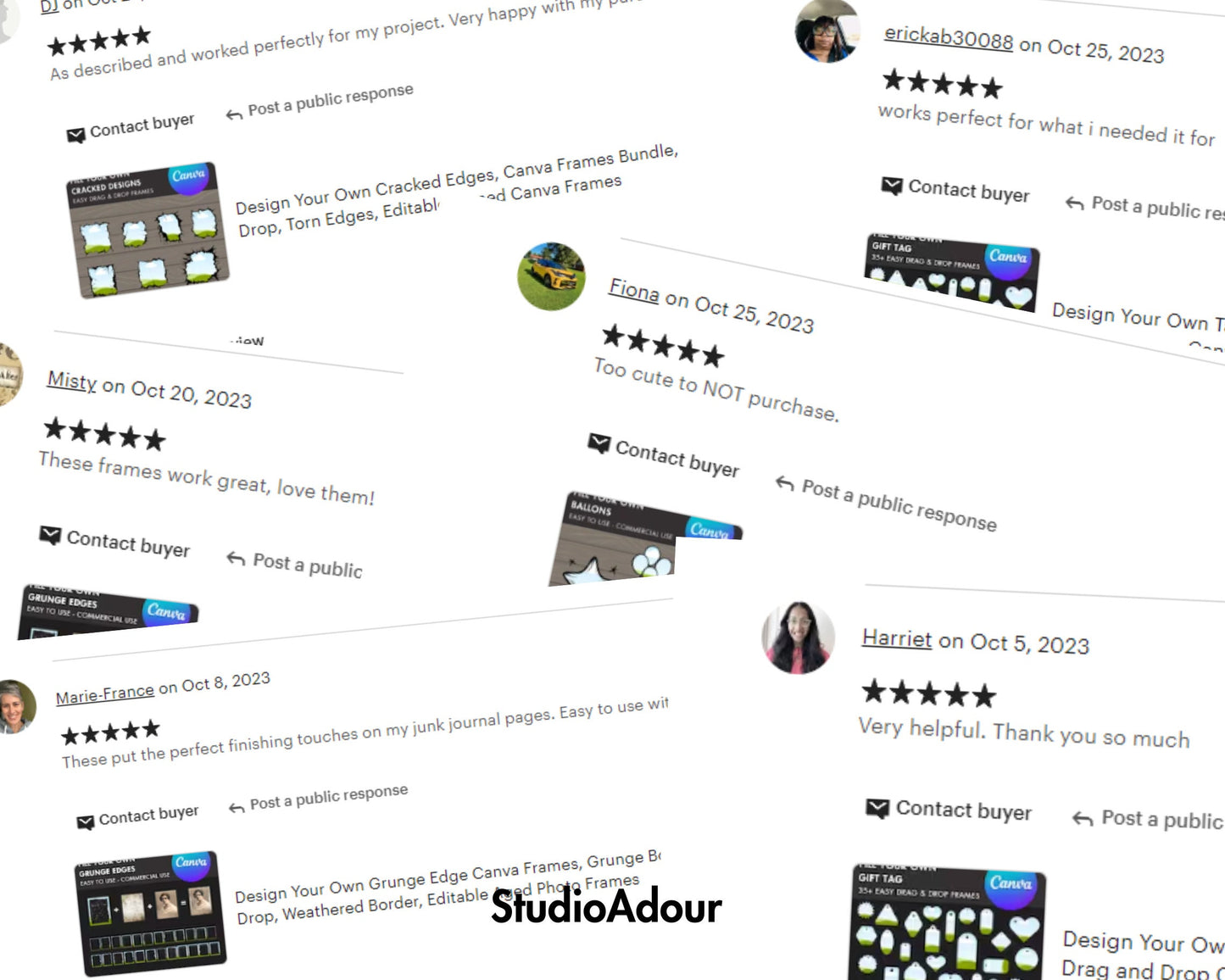
Let customers speak for us
from 960 reviewsI love the drive! Just wish I knew when new stuff is added. I went in and did the notifications but not seeing any notifications.
Perfect for making customizable fans
Super easy to use on canva
This is exactly as described.
I like this template!!
it is really good to use
I was able to make the bow just like I wanted in Canva with this easy template.
Printed on what I needed so well
Good quality perfect size and easy to work
Easy to use, and perfect for my needs. Thanks!!
I love this flag! Very much worth the price...very nice quality.
Great quality perfect for what I needed
Everything was great!!! Thank you!
Great mockup, perfect for what I needed